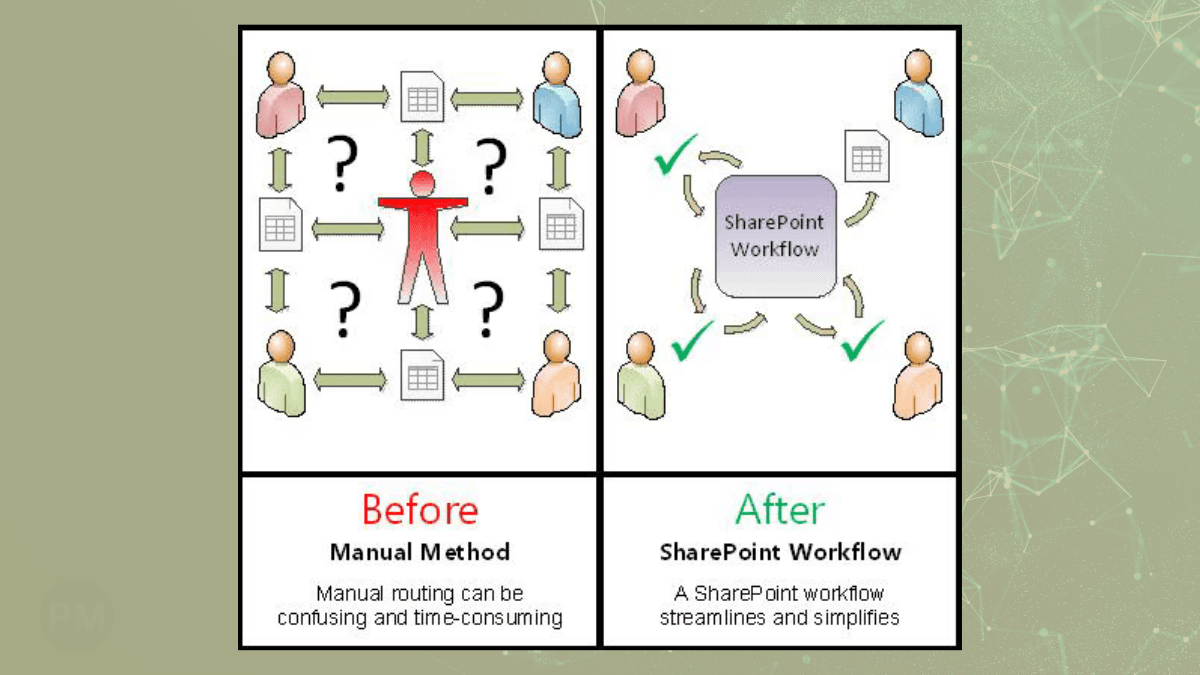
If you run a construction company, you probably have a "Photo Problem."
Last verified: May 13, 2026. This pattern assumes you already have a properly licensed Microsoft 365 tenant, Exchange Online mailbox, Power Automate access, and enough SharePoint storage. It reduces the need for a separate field-photo SaaS subscription, but it is not literally free.
Your Superintendents take 50 photos a day.
- 20 are in a WhatsApp group.
- 10 are texted to your Project Manager.
- 20 stay on their phone until the storage runs out.
When a client disputes a change order 6 months later, you spend 3 hours digging through text threads to find proof of the work.
The "App Trap"
Most contractors try to solve this by buying software like CompanyCam or Procore. These are great tools, but they come with two problems:
- Cost: Many tools charge per user, per month, and pricing changes over time.
- Data Portability: Your photos and metadata live in that vendor’s platform. If you leave, you need a clean export and migration plan.
The Better Way: "No-App" Automation
You don't need a new app. You need a Workflow. Your team already has the two tools they need: A Camera Phone and Email.
Here is how I build "SiteLog" systems for GCs:
1. The "Project Email"
We can use Exchange Online plus addressing for receive-only project aliases, if it is enabled and appropriate for your mailbox and mail-flow design.
- Project 101's email:
photos+101@yourco.com - Project 104's email:
photos+104@yourco.com
2. The Auto-Filer
When your superintendent wraps up a site walk, he selects 10 photos and emails them to photos+101@.... He types "Kitchen Framing" in the subject line.
Power Automate catches that email instantly.
- It checks the "To" address to find the Project ID (101).
- It looks at the Subject Line for the description ("Kitchen Framing").
- It renames every photo:
2024-01-31_KitchenFraming_Image1.jpg. - It files them into:
SharePoint > Projects > 101 > Site Photos > 2024-01.
3. The Result
- No new passwords for your guys to forget.
- No additional field-photo SaaS subscription if Microsoft 365 is already part of your stack.
- You control the data location. The files live in your Microsoft 365 tenant and SharePoint libraries, organized around your projects.
Why Ownership Matters
In construction, your photos are your insurance policy. You shouldn't rent your insurance policy from a tech startup. You should own it.
If you're tired of losing photos and paying monthly fees, let's set up your own "SiteLog" system.