Every automation feels like magic on day one.
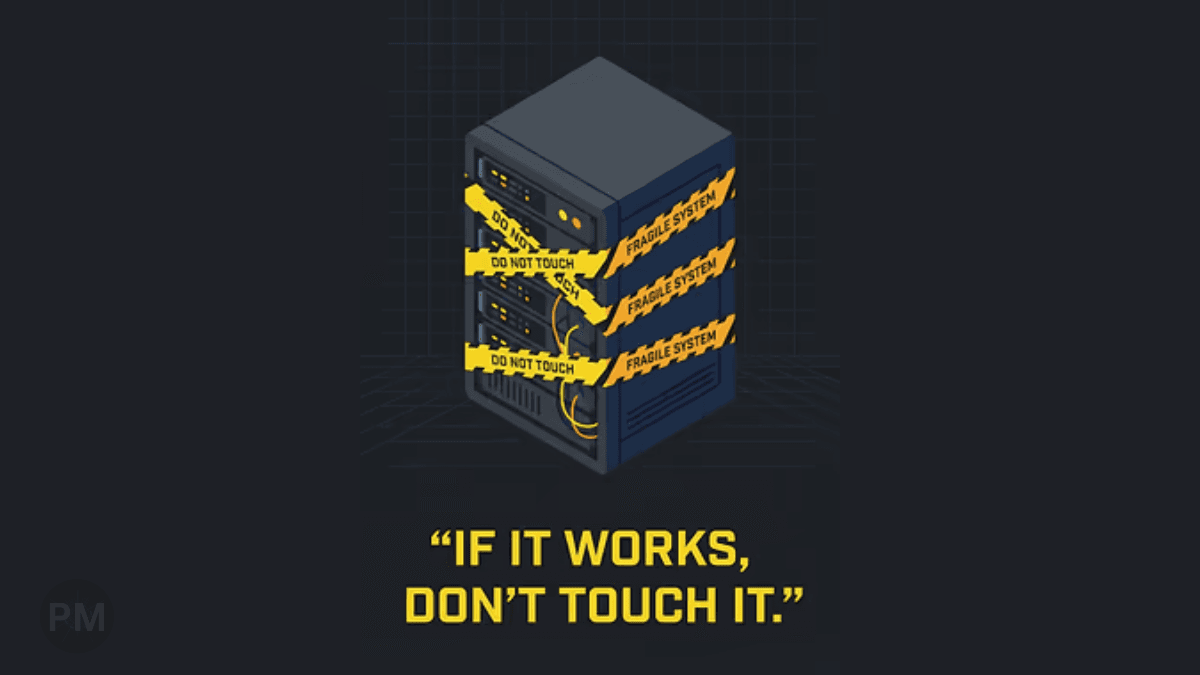
Then three months later, it's silently broken—and nobody noticed.
This isn't a failure of code. It's a failure of design.
Prevention strategy: This is exactly why I built logging into my Document AI Starter.
1. No Ownership
The Problem: Someone builds an automation, then moves to a different project. Six months later, it breaks. Nobody knows who built it or how it works.
The Fix:
Document ownership from day one. Add a README.md with:
- Who built it
- When it was last updated
- Who to contact if it breaks
2. No Logs
The Problem: Automation fails silently. You discover the issue weeks later when someone asks "Where's the data?"
The Fix: Log everything.
- When it runs
- What it processes
- Success/failure status
- Error messages
Without logs, you're flying blind.
3. No Rollback Plan
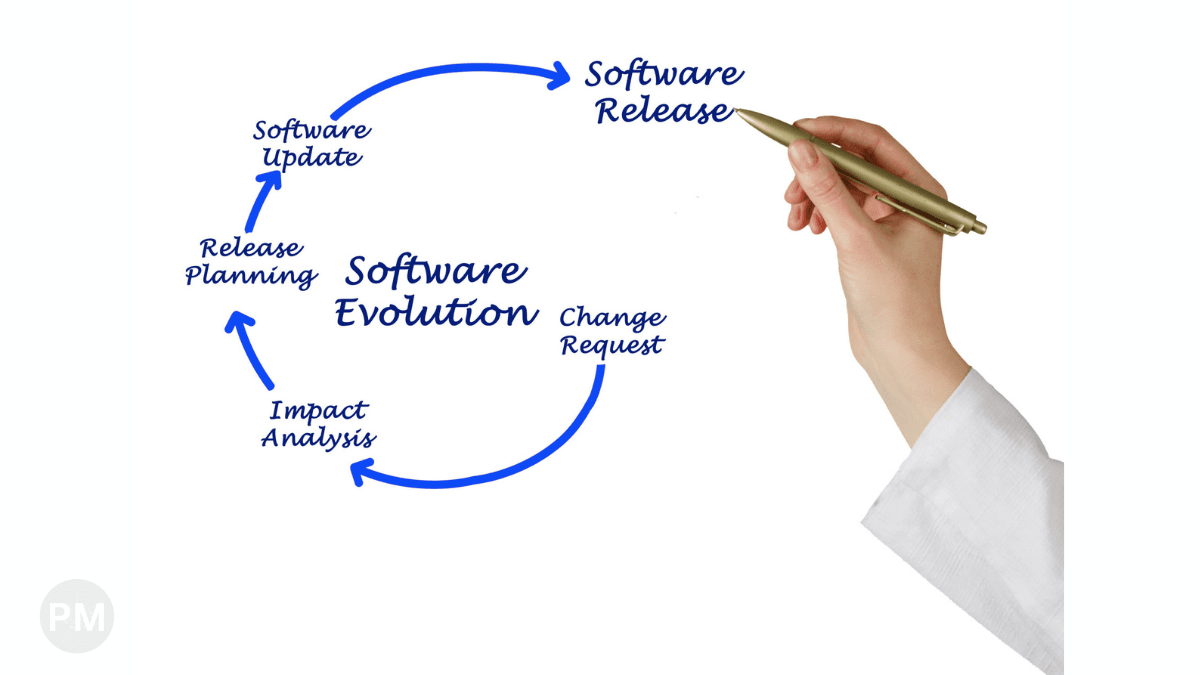
The Problem: You update the automation to "fix a bug." It breaks production. Now you can't rollback because you didn't version the code.
The Fix:
Use version control (Git).
Tag releases (v1.0, v1.1).
Keep the previous working version accessible.
4. No Assumptions Documented
The Problem: Your automation assumes the input file format never changes. Then the upstream system changes, and everything breaks.
The Fix: Document your assumptions:
- "This expects CSV files with headers: Name, Email, Amount"
- "This assumes the file arrives by 9 AM daily"
- "This requires Python 3.9+"
When assumptions change, you'll know why it broke.
Conclusion
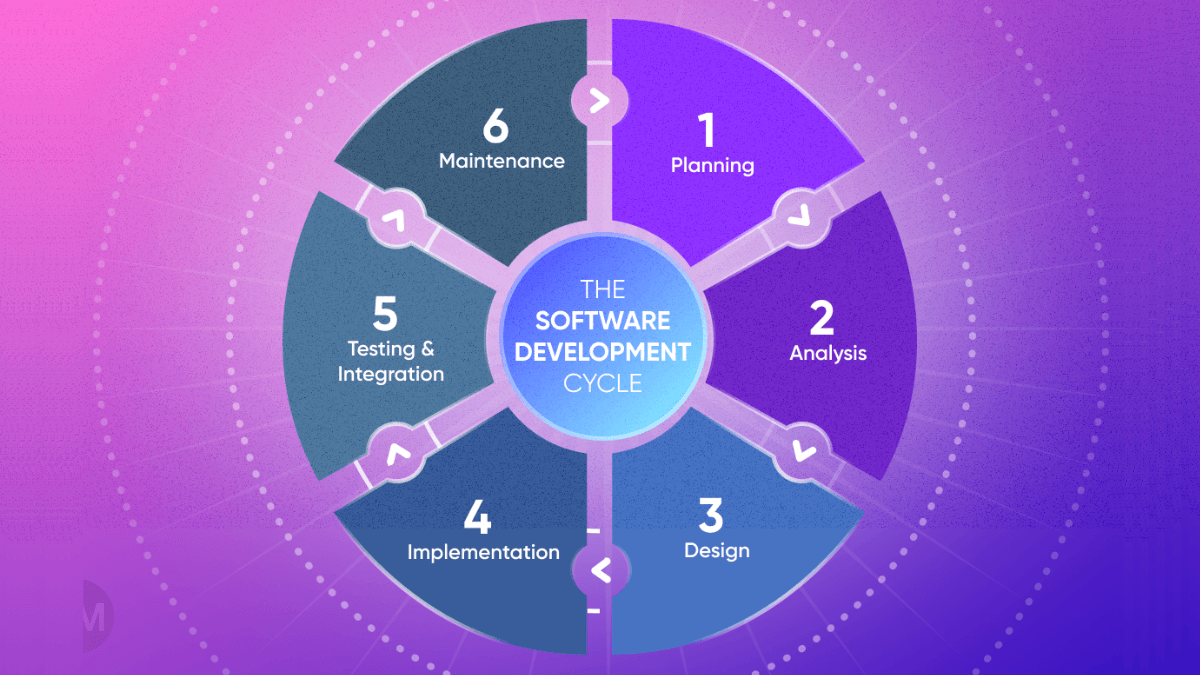
Version 1 is the easy part. Maintainability is the hard part.
Design for failure. Log everything. Document assumptions.
Your future self (and your team) will thank you.