"Should I build this in Power Automate or Python?"
I get this question all the time. And the answer is usually: "It depends."
But here is a decision framework that makes the choice clearer.
Case study: For my Document AI project, Python was the right foundation. Here is why.
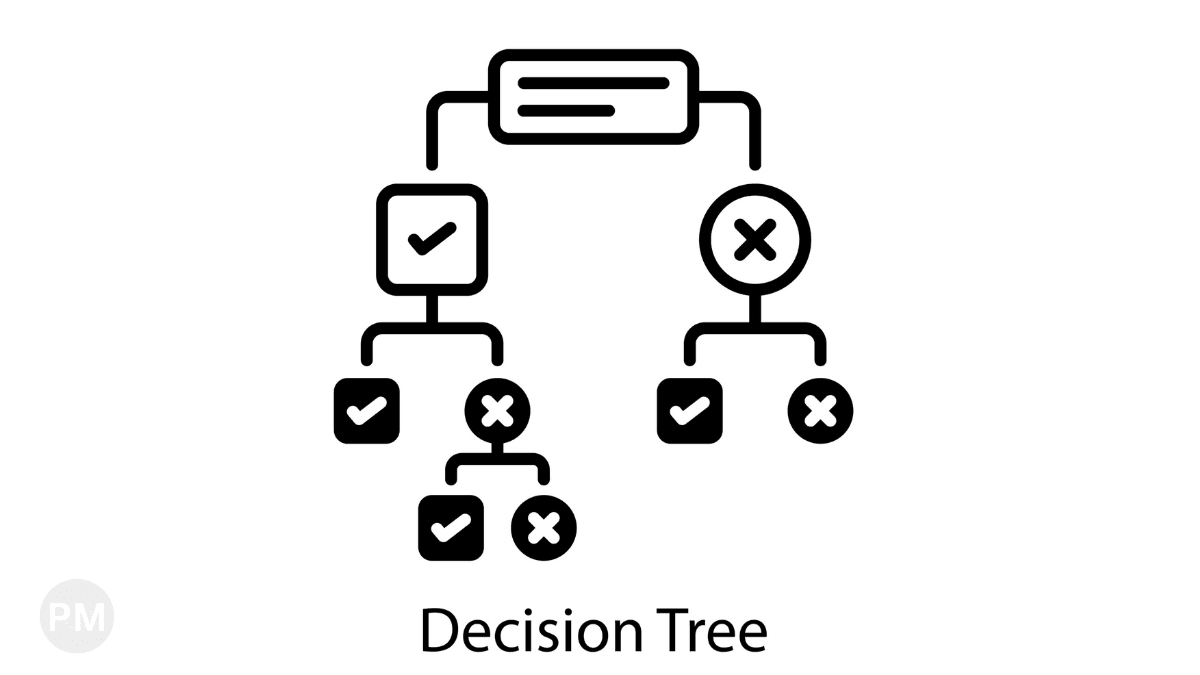
The Decision Tree
1. Is There a Pre-Built Connector?
If YES → Use Power Automate.
Power Automate has 500+ connectors. If one exists for your use case, it's the fastest path.
Examples:
- Send an email when a SharePoint item is created → Power Automate.
- Update Dynamics CRM when an Outlook email arrives → Power Automate.
If NO → Continue to the next question.
2. Do You Need Complex Data Transformation?
If YES → Use Python.
Power Automate has basic data manipulation (variables, loops, conditions). But if you need regex, nested loops, or custom algorithms, Python is cleaner.
Examples:
- Parse a complex JSON structure → Python.
- Extract specific fields from 100 PDFs → Python.
If NO → Continue to the next question.
3. Will This Run On a Schedule or Be Triggered by an Event?
If TRIGGERED BY EVENT (e.g., file uploaded, email received) → Power Automate.
Power Automate excels at event-driven automation.
If ON A SCHEDULE → Either works.
- Power Automate can run on a schedule (daily, hourly).
- Python (via cron or cloud scheduler) also works.
Choose based on complexity (see question 2).
4. Do You Need Version Control?
If YES → Python.
Power Automate flows are stored in the cloud. There is no easy way to track changes in Git.
Python scripts can be version-controlled, tested, and reviewed via pull requests.
5. Does It Need to Scale to 10,000+ Items?
If YES → Python.
Power Automate has built-in throttling and rate limits. Processing 10,000 files in Power Automate might take hours (and cost $$).
Python (running on a VM or cloud function) can process in parallel and scale horizontally.
The Hybrid Approach
The best solution is often both.
- Power Automate: Handles triggers and simple actions.
- Python: Handles complex processing.
Example Flow:
- Power Automate detects a new invoice in OneDrive.
- Power Automate calls an Azure Function (running Python).
- Python processes the invoice using Document AI.
- Python returns the result to Power Automate.
- Power Automate writes the result to SharePoint and sends a notification email.
My Personal Rule
If I can build it in Power Automate in under 10 minutes, I use Power Automate.
If it takes longer than 10 minutes to figure out the connectors and expressions, I switch to Python.
Time is the ultimate metric.
Conclusion
Don't fight the tool. Use Power Automate for what it's good at (connectors, triggers, simple workflows). Use Python for what it's good at (custom logic, APIs, complex processing).
And when in doubt? Start with Power Automate and migrate to Python when you hit limits.