I used to be a tool hoarder.
Whenever a new automation framework or "AI-powered" workflow tool launched, I spent three days trying to integrate it. I thought that having a massive, complex stack made me more professional.
But as I started building production-ready tools for real clients, I realized that the more moving parts you have, the more places the system can break.
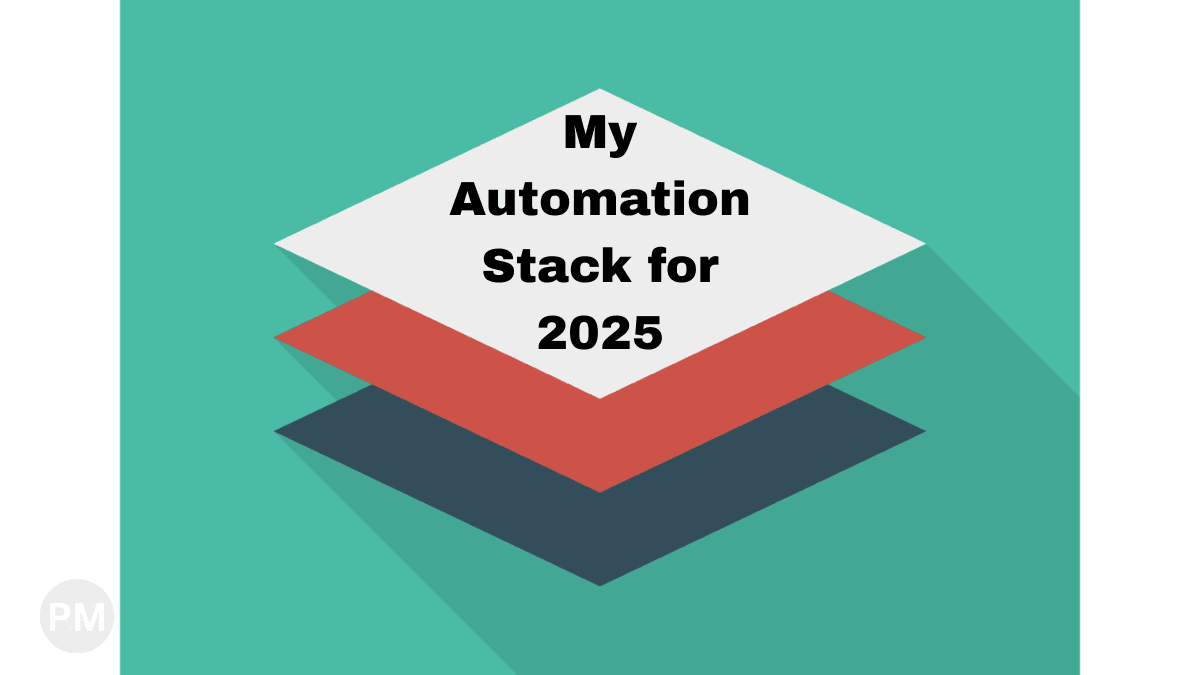
In 2025, I settled on what I call the "Switchboard Stack." Looking back from 2026, the specific services still need periodic review, but the architecture pattern remains useful: orchestration, logic, specialized extraction, and a familiar output format.
Last verified: May 13, 2026. Tool availability, connector licensing, and Document AI pricing change over time. Treat this as a 2025 stack retrospective, not a claim that every tool choice is still optimal for every 2026 project.
The "Switchboard" Architecture (Interactive)
This is how I think about a mature automation project. I separate the "Glue" (triggers) from the "Brain" (logic) and the "Output" (value).
1. Power Automate (The Glue)
I have a humble admission: I don't like building custom listeners.
If I need my automation to trigger when an email arrives in Outlook or when a file is dropped into a SharePoint folder, I’m not going to spend hours writing a custom Python polling script.
I use Power Automate for the "Gluing" tasks. It’s got world-class connectors for the Microsoft ecosystem, and it’s virtually unbreakable for simple tasks like starting a flow.
The Rule: If Power Automate can detect the event in 5 minutes, don't spend 5 hours coding a custom alternative.
2. Python (The Brain)
This is where the real work happens. Once Power Automate detects a file, it calls my "Brain"—a Python script (often running in a serverless Azure or Google Cloud Function).
I reach for Python because:
- It’s Portable: I can move it from my laptop to a cloud function to a Raspberry Pi without changing a line of code.
- The Ecosystem: Libraries like
pandasfor data andrequestsfor APIs are the industry standard. - Security: I can use environment variables to keep everything locked down.
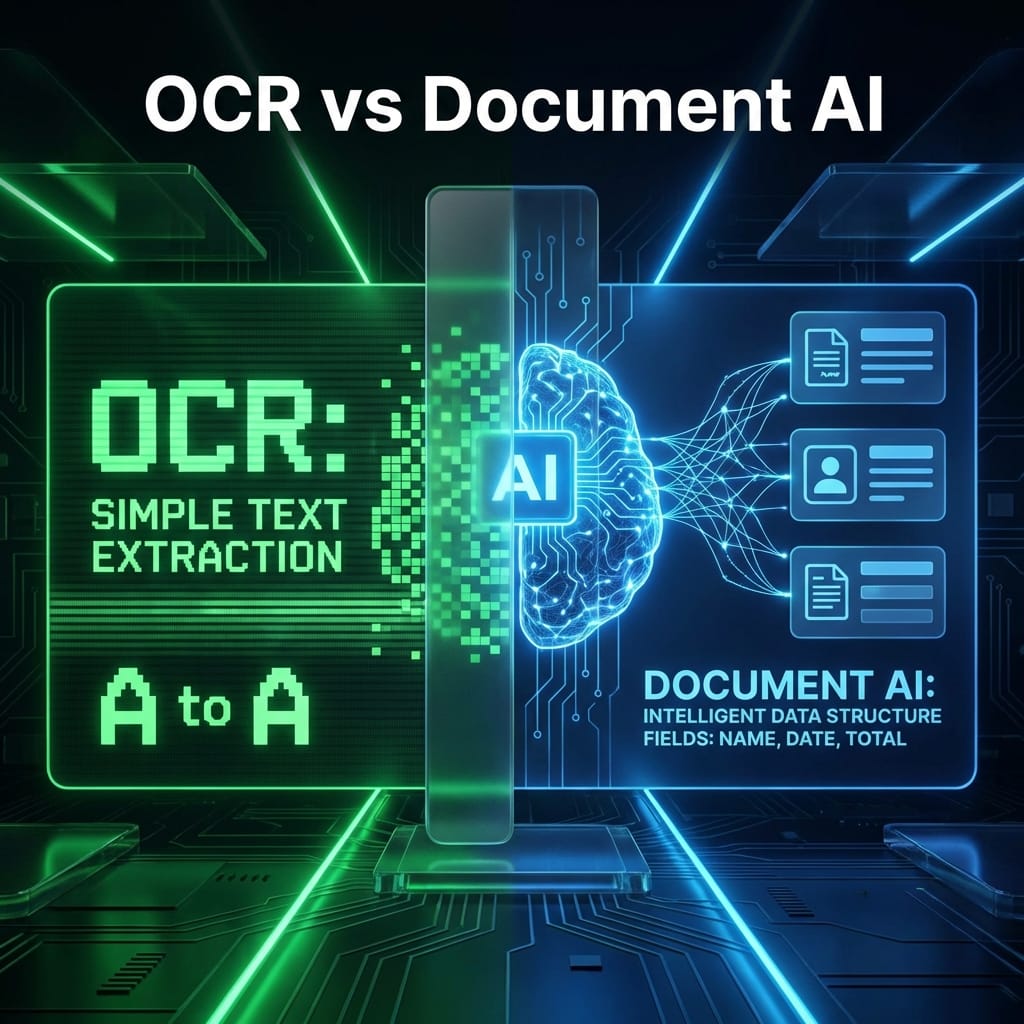
3. Google Cloud Document AI (The Intelligence)
For a long time, I tried to build my own OCR and extraction logic. It was a nightmare.
In 2025, I often outsourced the "Intelligence" layer to Google Cloud. Their Form Parser was a strong fit for many structured-document workflows, but I now evaluate it against Layout Parser, OCR, specialized parsers, and simpler non-AI extraction before choosing it.
I treat Google Cloud like a super-powered specialist. My Python script sends it a document, gets back clean JSON, and then my script decides what to do with that data.
4. Excel (The Final Destination)
As I wrote in my post about Excel as the Final Destination, I don’t fight the spreadsheet anymore.
Every stack I build ends with a beautifully formatted Excel file delivered to the person who needs it. It’s accessible, it’s trusted, and it’s where business actually happens.
Evergreen Advice: Marry the Pattern, Not the Tool
If you’re building your own stack today, don't get distracted by the name of the tools. Focus on the roles they play:
- Orchestrator (The Glue): Needs to be good at "listening" for events.
- Logic Engine (The Brain): Needs to be a language you find easy to write and test (usually Python or Node).
- Specialist (The AI): Don't build what you can buy reliably, but price it by processor. For example, Google’s public Form Parser pricing is currently listed at
$30 per 1,000 pagesin the lowest tier, while OCR and specialized parsers use different rates. - Interface (The Output): Give the data to the user in a format they already love.
Bottom Line
A professional stack isn't one that uses the "best" technologies—it's one that you can explain to a non-technical stakeholder in 30 seconds.
If you can say, "When you get an email, my script asks Google to read the file and then puts the numbers in your Excel sheet," you’ve built something valuable.