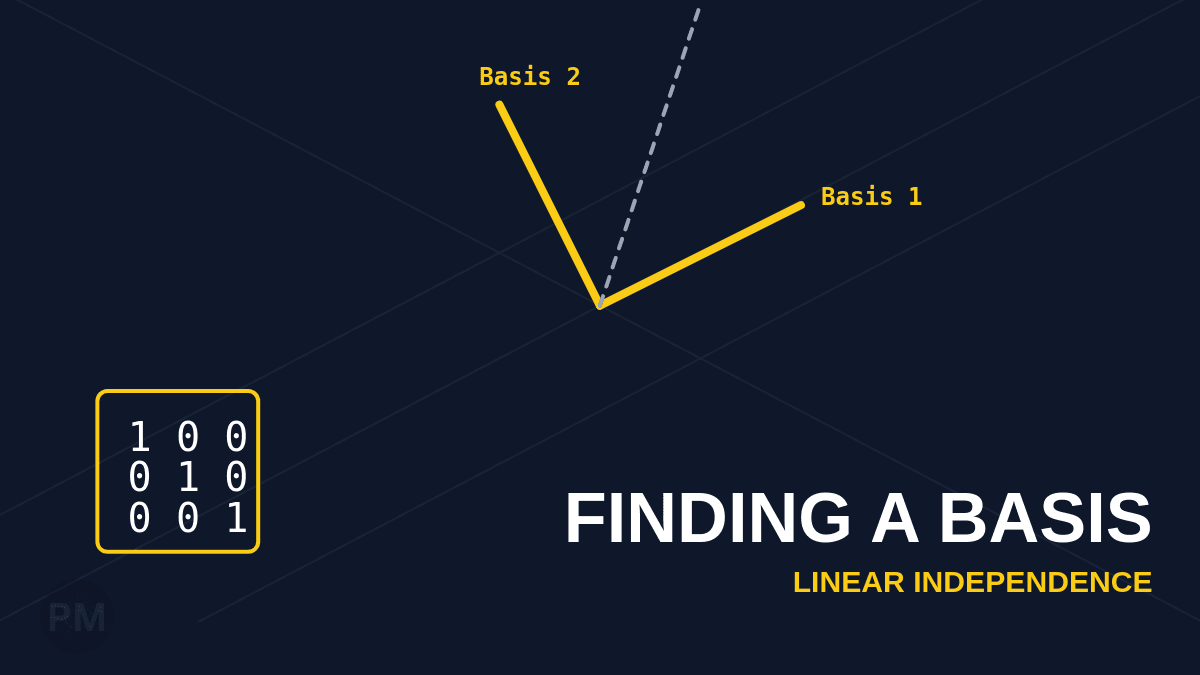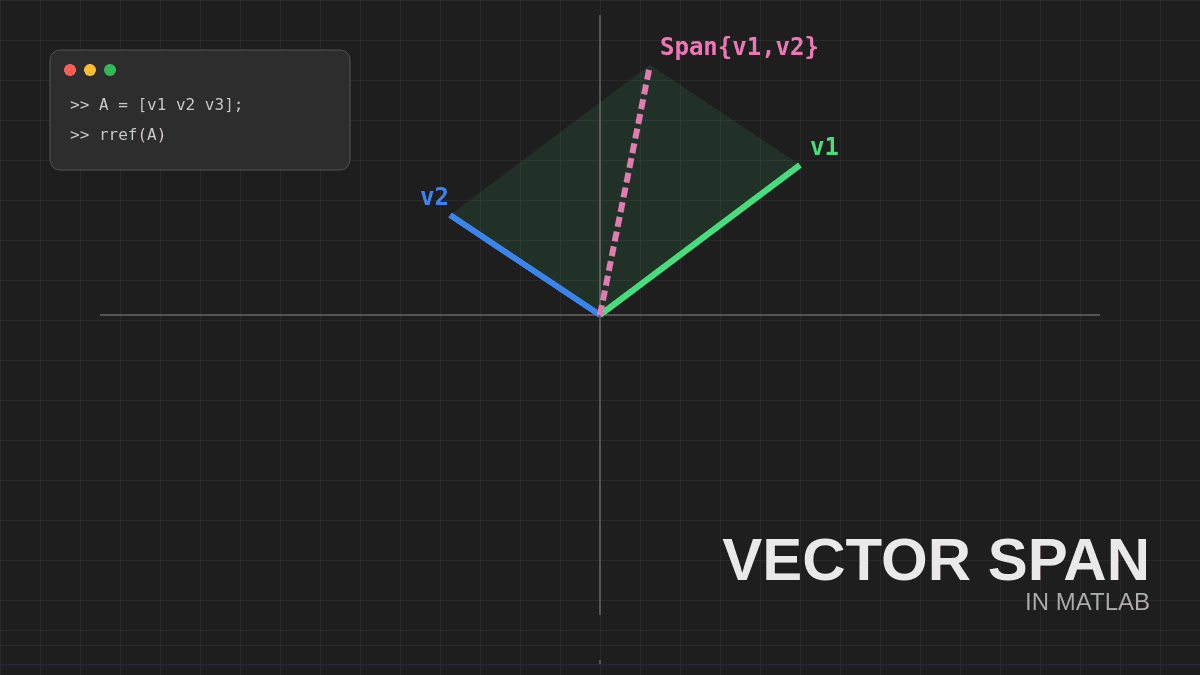
The same vector looks different when viewed from different coordinate systems. Understanding how to convert between bases is essential for advanced linear algebra.
In this guide, we'll use MATLAB to compute a change-of-coordinates matrix that transforms coordinate vectors from one basis to another.
What is a Change-of-Coordinates Matrix?
If you have:
- A vector x with coordinates [x]ᵦ relative to basis B
- The same vector with coordinates [x]ᴄ relative to basis C
The change-of-coordinates matrix P transforms between them:
[x]ᴄ = P [x]ᵦStep 1: Define the Bases
Each basis is represented by a matrix whose columns are the basis vectors.
For basis B:
B = [1 2 1;
     1 4 2;
     2 -1 1];
For basis C:
C = [1 2 1;
    -1 0 2;
     1 1 -1];
Step 2: Form the Augmented Matrix
To convert coordinates from basis B to basis C, we set up:
tempCB = [C B];Critical: The order matters!
- Left side: Target basis (C)
- Right side: Source basis (B)
This creates a 3×6 augmented matrix: [C | B]
Step 3: Row Reduce
Compute the RREF:
temp_reduced = rref(tempCB);The reduced matrix takes the form:
[I | P_B→C]where:
- I is the identity matrix (left 3 columns)
- P_B→C is the change-of-coordinates matrix (right 3 columns)
Step 4: Extract the Change-of-Coordinates Matrix
P_BtoC = temp_reduced(:,4:6);This matrix converts coordinate vectors from basis B to basis C.
Example: Converting a Coordinate Vector
Suppose we have a vector with coordinates relative to B:
x_B = [2; -1; 3];To find its coordinates relative to C:
x_C = P_BtoC * x_BGoing the Other Direction (C → B)
To convert from C to B instead, simply reverse the augmented matrix:
tempBC = [B C];
temp_reduced_BC = rref(tempBC);
P_CtoB = temp_reduced_BC(:,4:6);
Why This Works
The augmented matrix [C | B] represents the equation:
C * [x]ᴄ = B * [x]ᵦRow reducing transforms C into the identity matrix I, which reveals the transformation:
[x]ᴄ = C⁻¹ * B * [x]ᵦThe matrix C⁻¹B is exactly what appears in the right block after row reduction.
Quick Reference
| Task | MATLAB Code |
|---|---|
| B → C | rref([C B]), take right block |
| C → B | rref([B C]), take right block |
Remember: [Target | Source]
Key Takeaways
- Always use [C | B] for B → C conversion
- Row reduction reveals the transformation matrix
- The right-hand block is the answer
Master this technique and you'll be able to work seamlessly across different coordinate systems!