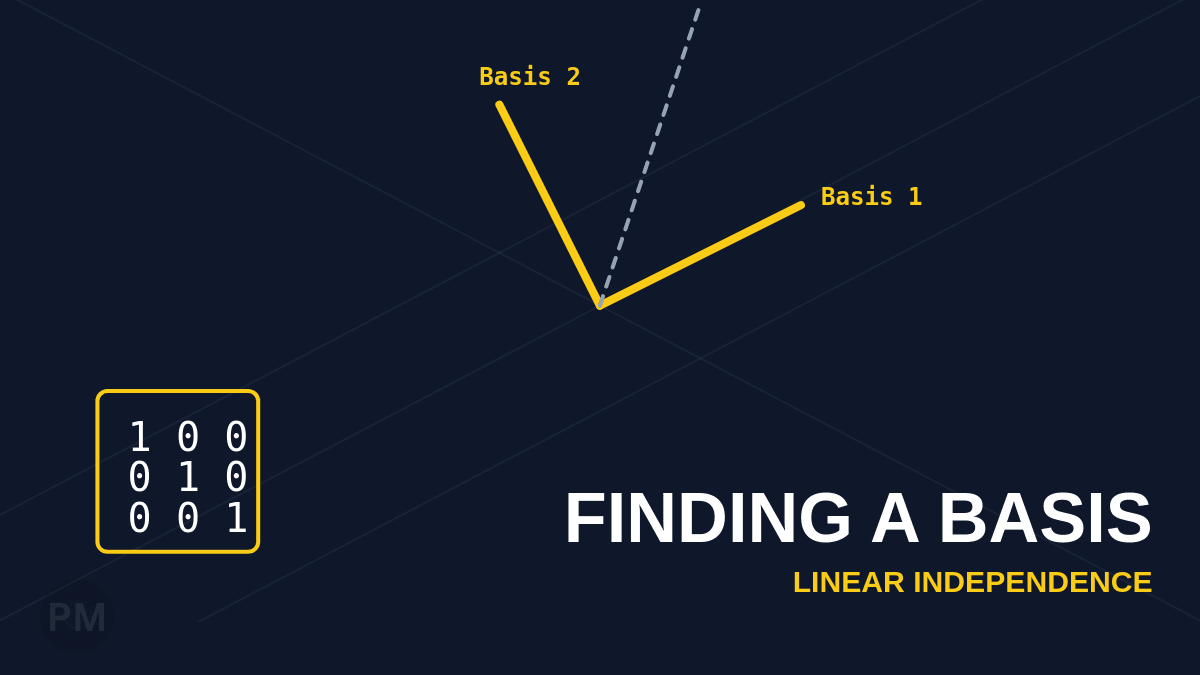
A basis is a set of linearly independent vectors that spans a space. It's the minimal set needed to describe every vector in that space.
In this guide, we'll use MATLAB to:
- Extract a basis from a given set of vectors
- Complete a partial basis to span the entire space
What is a Basis?
A basis for a vector space must satisfy two properties:
- Linear Independence: No vector in the set can be written as a combination of the others
- Spans the Space: Every vector in the space can be written as a combination of the basis vectors
For ℝⁿ, a basis must have exactly n vectors.
Step 1: Enter the Vectors
We are given four vectors in ℝ⁴:
v1 = [1 -2 2 -1];
v2 = [-3 5 -2 2];
v3 = [-1 1 2 0];
v4 = [0 -1 4 -1];
Step 2: Construct the Matrix
Place the vectors as columns:
A = [v1.' v2.' v3.' v4.'];Step 3: Find Independent Vectors
Compute the RREF to identify which vectors are independent:
rref(A)The pivot columns in the original matrix A correspond to linearly independent vectors.
In this example, suppose columns 1 and 2 have pivots. This means:
- v₁ and v₂ are linearly independent
- v₃ and v₄ can be written as combinations of v₁ and v₂
Step 4: Complete the Basis
Since we only have 2 independent vectors but need 4 for a basis of ℝ⁴, we must add 2 more.
The Identity Matrix Technique
Augment the original matrix with the identity matrix:
I = eye(4);
augA = [A I];
reduced_augA = rref(augA)
This creates an 8-column matrix: [v₁ v₂ v₃ v₄ e₁ e₂ e₃ e₄]
Step 5: Identify the Basis Vectors
After row reduction, the first 4 pivot columns tell us which vectors to keep.
In our example:
- Columns 1 and 2 (v₁ and v₂) have pivots
- Columns 5 and 6 (e₁ and e₂ from the identity) have pivots
Therefore, our basis is:
BasisMatrix = [v1.' v2.' I(:,1) I(:,2)];This gives us:
BasisMatrix = [v₁ v₂ e₁ e₂]Why This Works
The identity matrix vectors (e₁, e₂, e₃, e₄) are the standard basis for ℝ⁴. They are guaranteed to be linearly independent.
By augmenting with the identity and row reducing, MATLAB automatically:
- Keeps independent original vectors
- Fills in missing dimensions with standard basis vectors
Verification
You can verify your basis by checking:
rank(BasisMatrix) % Should equal 4If the rank equals the dimension of the space, you have a valid basis.
Key Takeaways
- Basis vectors come from pivot columns in the RREF
- Identity matrix fills missing dimensions when you need to complete a basis
- Total number of basis vectors = dimension of the space
This technique is essential for understanding subspaces and transformations in linear algebra!