Every AI vendor promises the same thing: "Automate everything with AI!"
But in reality, most AI automation projects fail within 6 months of deployment.
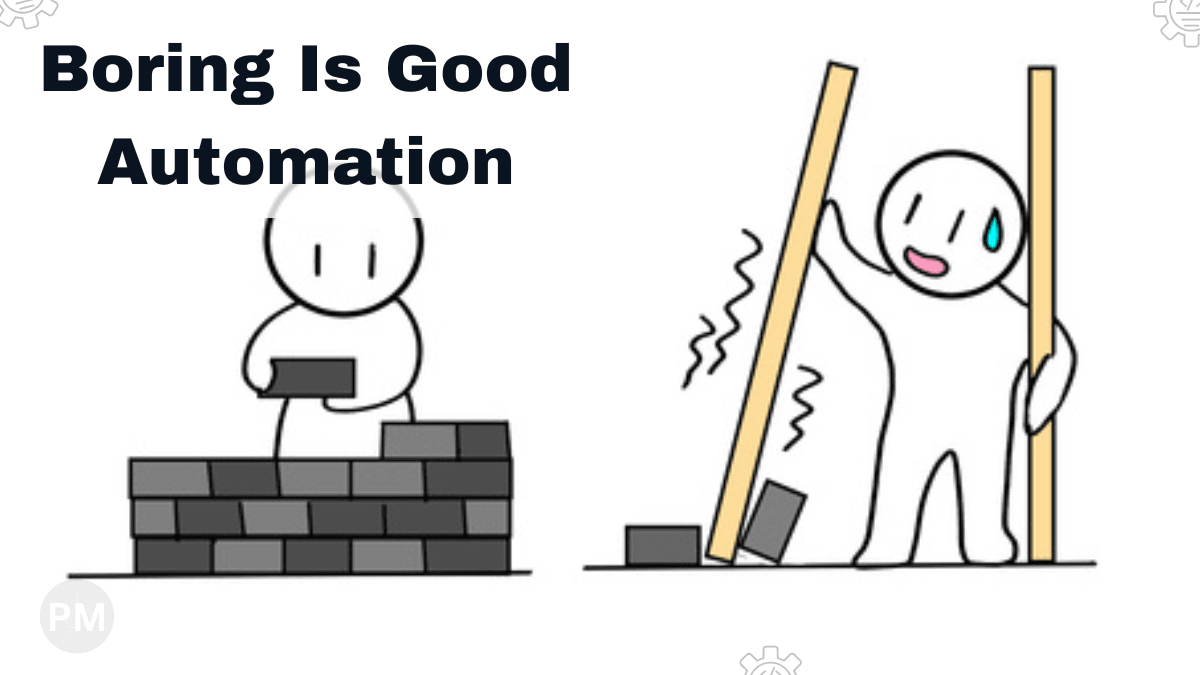
Not because the AI is bad. But because the workflow design is bad.
Lesson learned: This is why my Document AI workflow emphasizes transparency over magic.
1. Overpromising AI Capabilities
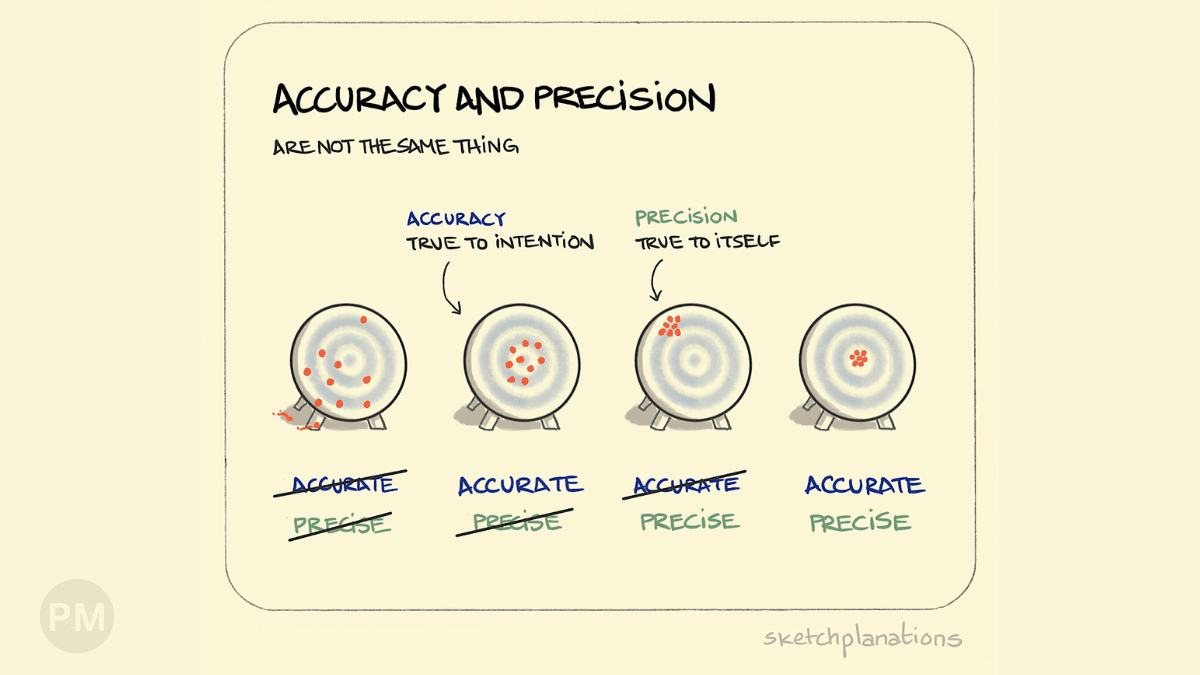
The Demo: "Our AI reads invoices with 99% accuracy!"
The Reality: That's on their test data. On your messy, real-world invoices? Maybe 75%.
The Fix: Test the AI on your data before committing. Build in a confidence threshold: if the AI is less than 90% confident, flag it for human review.
2. Underestimating Data Cleanup
AI doesn't magically "understand" your documents. It needs:
- Consistent file formats (all PDFs, not a mix of JPEG scans and Word docs).
- Readable quality (300 DPI minimum for scans).
- Structured layouts (forms work better than freeform text).
Most failures happen in the data prep stage, not the AI stage.
I spend 30% of my time on data validation before it even hits the AI.
3. Missing Validation Logic
The Trap: "The AI extracted the data, so it must be correct!"
The Reality: AI makes mistakes. Silently.
The Fix: Add validation rules:
if extracted_total < 0:
    flag_for_review("Negative total is impossible")

if extracted_date > today:
    flag_for_review("Future date detected")
Simple logic catches 80% of AI errors.
4. No Audit Trail
When something goes wrong, can you trace it back?
What you need:
- Input file (stored).
- AI output (logged).
- Confidence score (tracked).
- Timestamp (recorded).
Without this, debugging is impossible.
I log every Document AI call with:
- Filename
- Extracted fields
- Confidence scores
- Cost
This creates accountability. If a client says "the invoice was wrong," I can show them exactly what the AI extracted and at what confidence level.
Conclusion
AI is powerful, but it's not magic.
To make AI automation work:
- Test on your data (not demo data).
- Build validation rules.
- Add human-in-the-loop checkpoints.
- Log everything.
AI should augment human work, not replace it blindly.