The biggest barrier to AI adoption isn't accuracy.
It's trust.
And trust requires auditability.
What Makes AI Auditable?
Auditable AI means a human can:
- See what went in (input).
- See what came out (output).
- Understand why (confidence, metadata).
If any of these are missing, it's a black box.
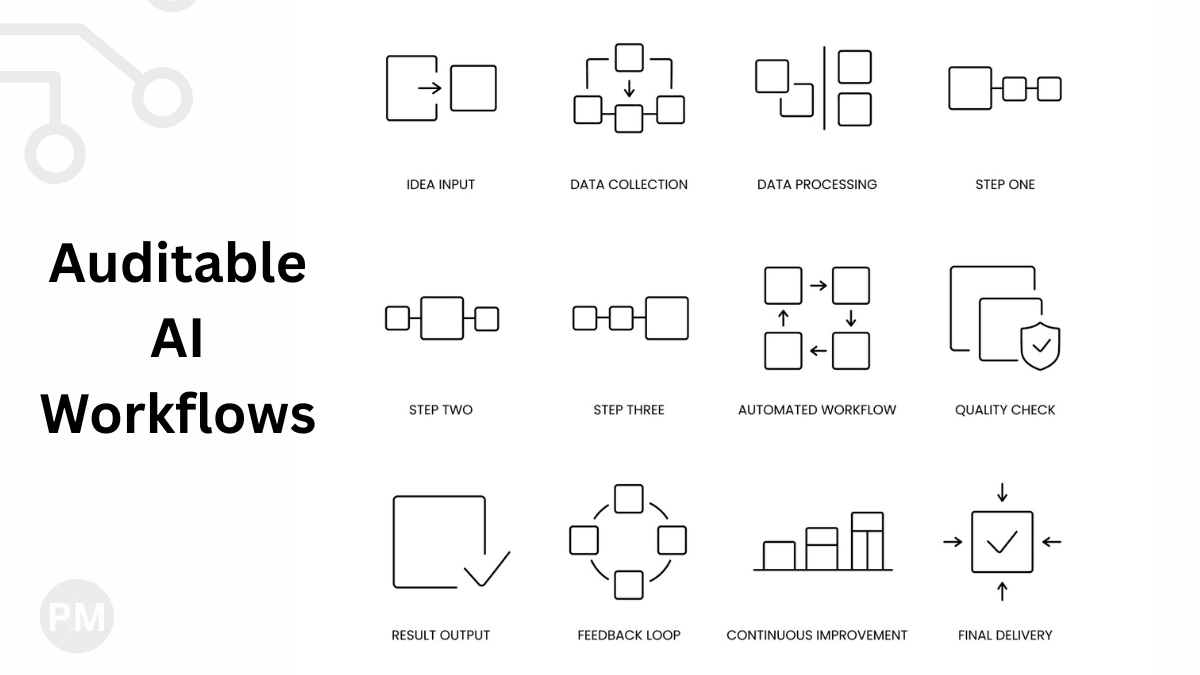
Design Pattern: Input → Process → Output → Log
Every AI workflow should follow this pattern:
1. Store the Input
Don't just process the file and delete it. Save the original.
If someone challenges the result 6 months later, you can re-run the extraction on the original file.
2. Log the Process
Record:
- When it ran
- Which model/version
- Processing parameters
This creates a paper trail.
3. Save the Output (With Metadata)
Don't just save the extracted data. Save the confidence scores too.
Bad:
Invoice Number: 12345
Good:
Invoice Number: 12345 (Confidence: 0.98)
Now a human can see that the AI was confident.
4. Highlight Uncertainty
Flag low-confidence extractions visually.
In my Document AI tool, I highlight cells with < 0.7 confidence in yellow in the Excel output.
This tells the reviewer: "Check this one."
Enable Drill-Down
Stakeholders should be able to:
- See the summary (100 invoices processed).
- Drill into details (Invoice #12345).
- See the raw data (original PDF + extracted JSON).
Transparency builds trust.
Conclusion
AI without auditability is a liability.
Design your workflows to be:
- Traceable (log everything)
- Transparent (show confidence scores)
- Reviewable (enable drill-down)
When humans can audit your AI, they'll trust it.