"I have 10,000 PDFs. Can we automate the data extraction?"
Whenever someone asks me this my answer is always the same: "It depends on which 'flavor' of PDF you have."
When I first started building Document AI tools I thought a PDF was just a PDF. I was wrong. Some are digital dreams, and some are absolute monsters that will eat your development budget for breakfast.
Here is the honest no-hype breakdown of what I’ve learned about PDF automation.
Level 1: The "Digital Dream" (Native PDFs)
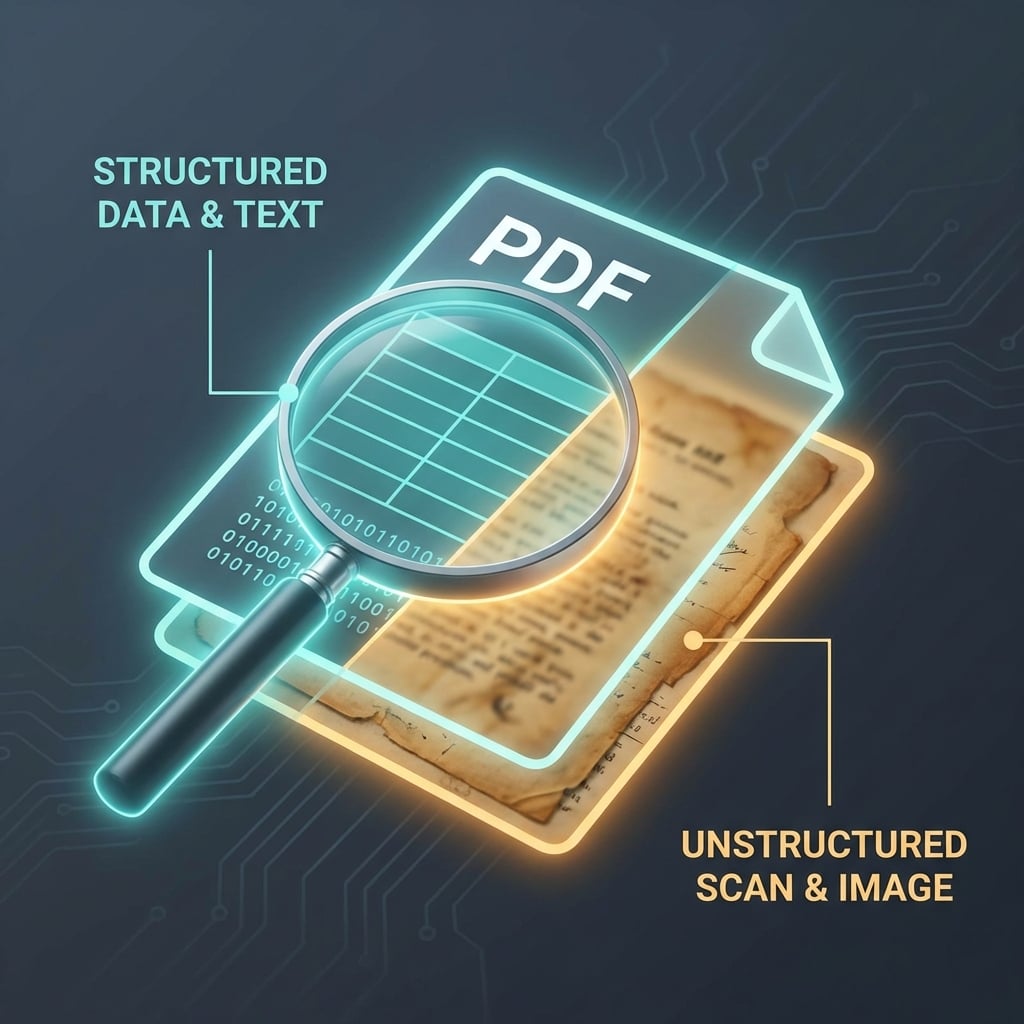
These are PDFs that were "Born Digital." They were exported directly from Word, Excel, or an invoicing system like Xero or QuickBooks.
How to tell:
Open the PDF and try to highlight the text with your mouse. If you can select individual words cleanly, you have a native PDF.
- The Good: The text is already there. You don’t even necessarily need "AI" to extract it—plain Python libraries can often pull the text perfectly.
- Automation Difficulty: Easy.
- Success Rate: 99%.
Level 2: The "Reality Check" (Clean Scans)
These were once pieces of paper that someone put through a modern office scanner. They look like images, but they are clean, straight, and legible.
The "300 DPI" Rule
In the world of automation, we talk about DPI (Dots Per Inch). If your scan is under 200 DPI, it will look "fuzzy" to an AI. If it’s 300 DPI or higher, it’s usually golden.
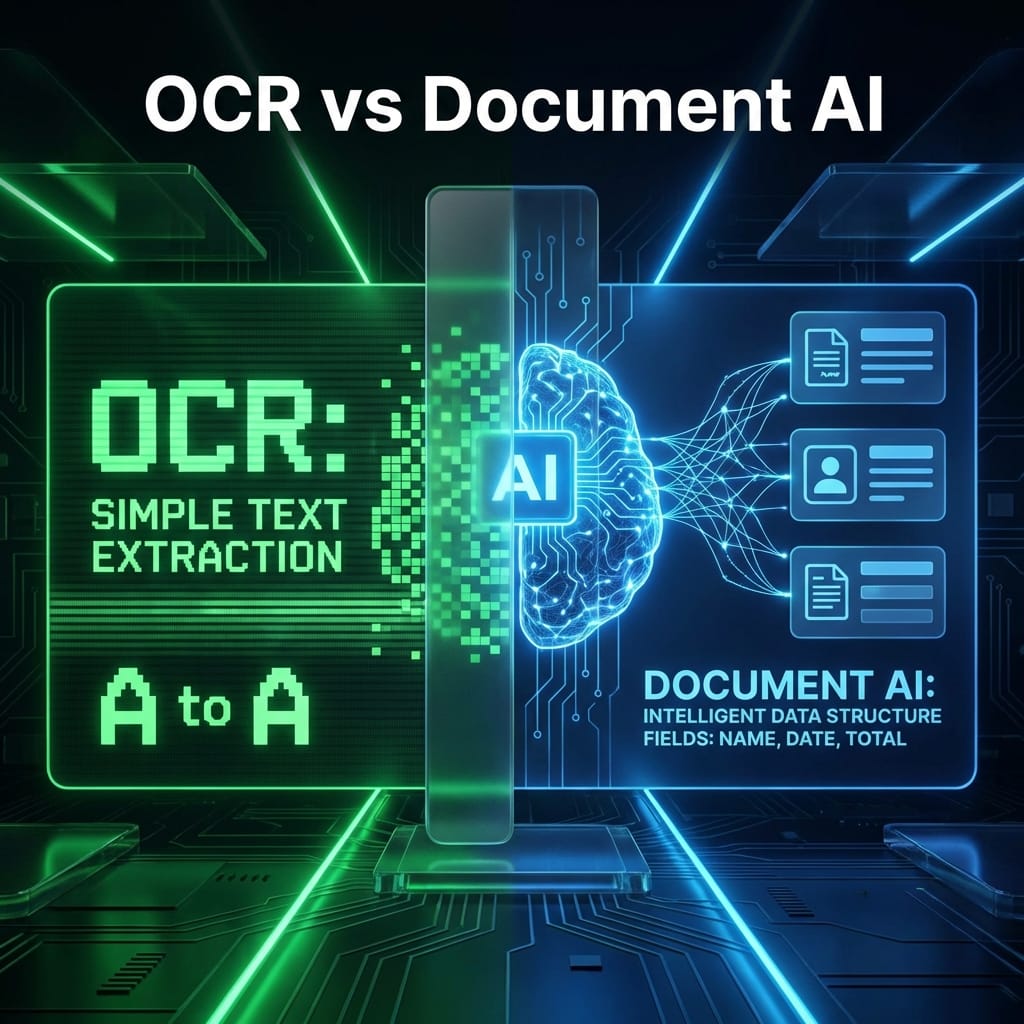
- The Challenge: You need OCR (Optical Character Recognition) to turn the "pixels" into "text" before the AI can understand it.
- Automation Difficulty: Moderate.
- Success Rate: 85-95% (depending on the quality of the scanner).
Level 3: The "Monsters" (The Rough Stuff)
This is where things get messy. I’m talking about:
- Handwritten notes: Even the best AI still struggles with messy cursive.
- Photos of paper: If someone took a photo of an invoice on their desk with a phone, the "perspective warp" (the paper looks tilted) makes it very hard to map data accurately.
- Folds and Faint Ink: If a document was folded in a pocket for three days before being scanned, that horizontal line through the middle of the text is an "AI killer."
The "Invisible Layer" Problem (Professional Warning)
Here is a pro-tip that saved me weeks of debugging: Don't trust the "Search" bar in your PDF viewer.
Sometimes, a scanned PDF has a "hidden" OCR layer created by a cheap scanner. When you search for "Total," it might find it, but the text underneath might be jumbled gibberish like T0t41.
If your automation is pulling weird results, check if you are reading the "Invisible Layer" instead of the actual image. I usually tell my tools to ignore existing text layers and re-run the OCR from scratch for better accuracy.
Builder Pro-Tip: The "Highlight Test"
Before you spend $500 on a Google Cloud API bill, do this for free:
- Open your PDF.
- Try to highlight a sentence.
- Copy and paste it into Notepad.
If the pasted text looks like I nv oice # 123, your automated tool is going to have a hard time. If it looks like Invoice # 123, you’re in the clear.
Should I automate this? (The Decision Matrix)
| Document Feature | Automate? | Why? |
|---|---|---|
| Consistent Layout | ✅ Yes | AI learns the "pattern" quickly. |
| Machine-Printed | ✅ Yes | Highest accuracy for OCR engines. |
| Handwritten Cursive | ⚠️ Maybe | Expect to spend a lot on "human-in-the-loop" review. |
| Phone Photos | ❌ No | Too much distortion; usually not worth the dev time. |
| Low-Res Faxes | ❌ No | "Noise" in the scan leads to constant errors. |
Bottom Line
Don't let "AI hype" fool you. Automation isn't magic; it's math and pixels.
If your PDFs are clean and digital, you can build a system in a weekend. If they are messy and handwritten, you might be better off hiring a data entry clerk for a few weeks while you focus on better upstream document collection.
Know when to automate, and more importantly, know when to walk away.