"Can you parse this document?"
"Can you extract data from this document?"
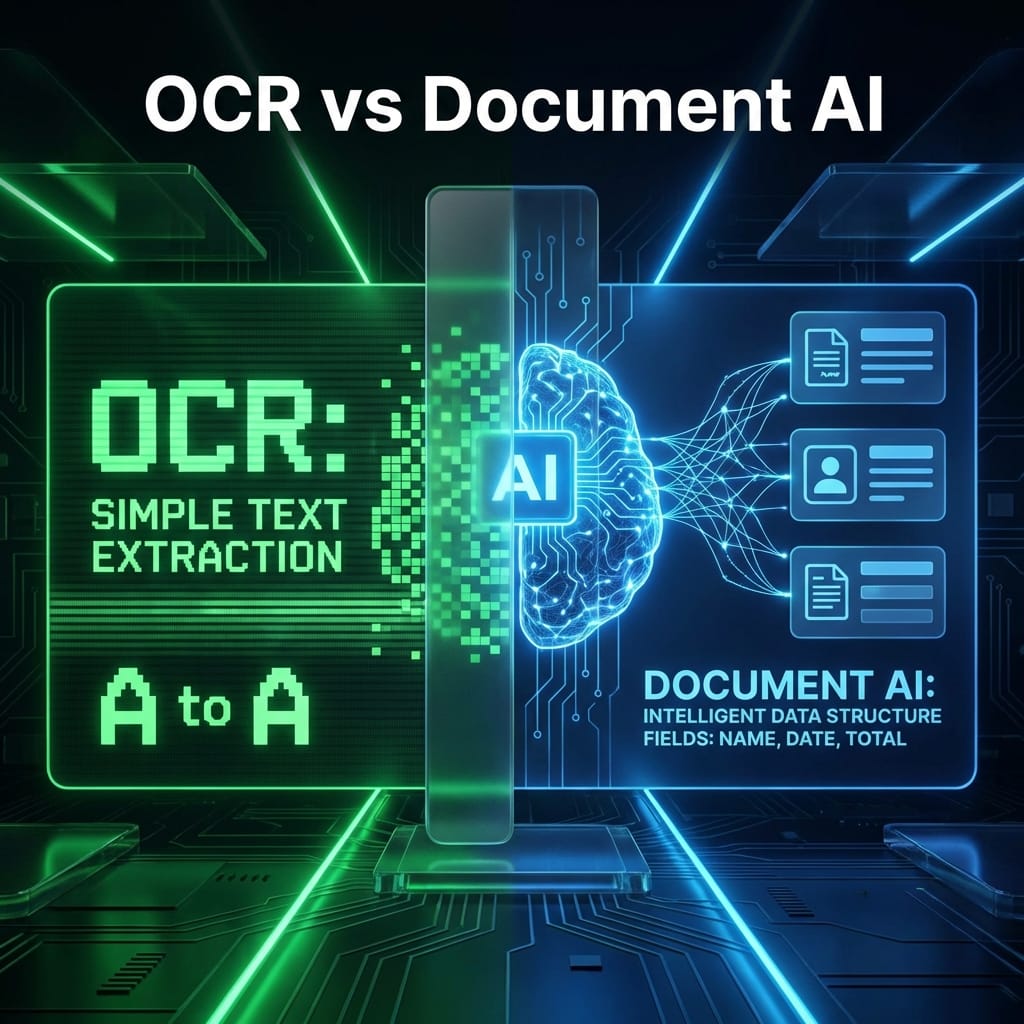
Are these the same thing? No.
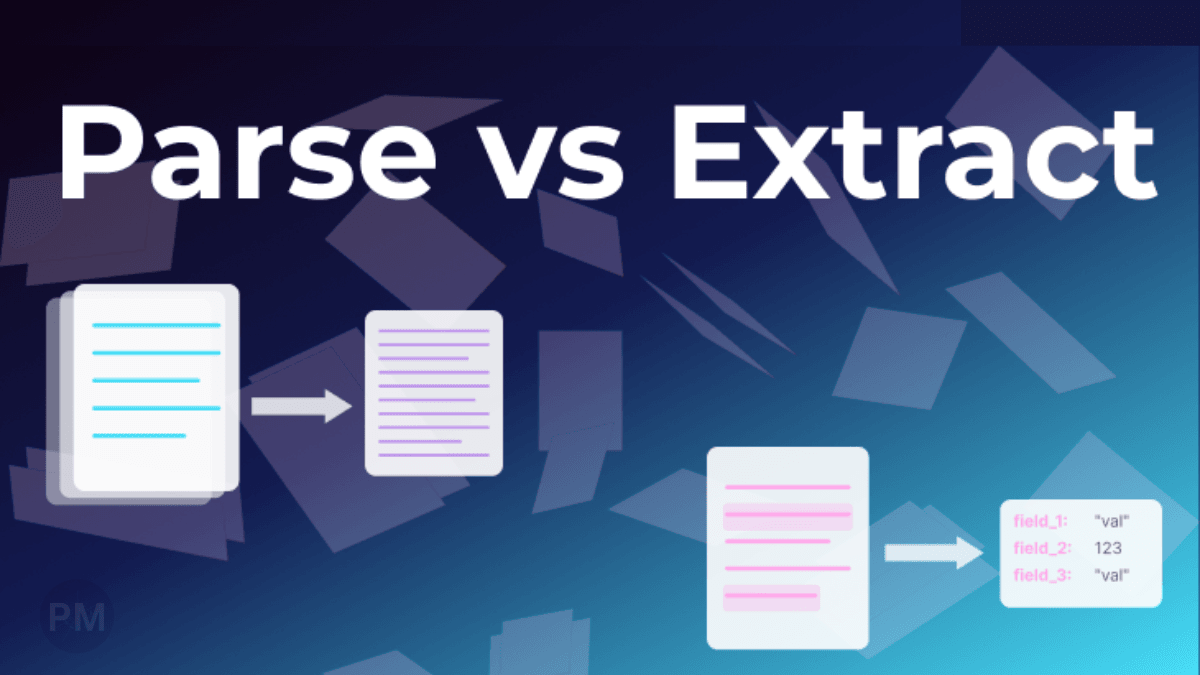
Document Parsing = Structure
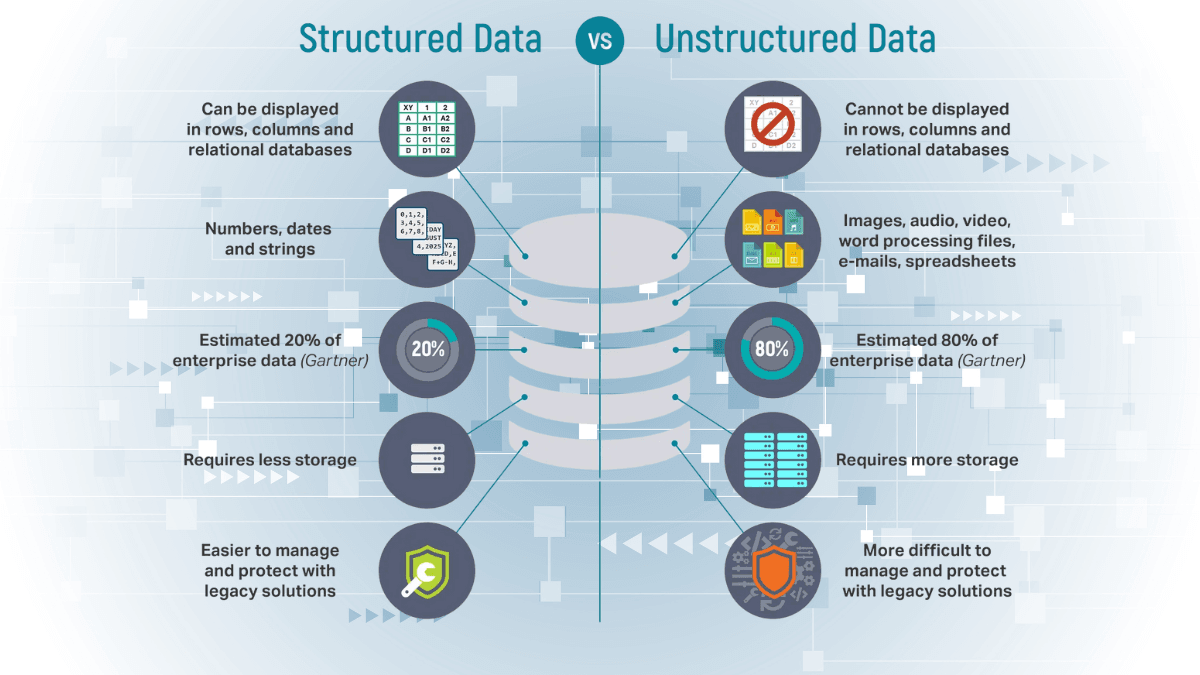
Parsing means converting a document into a structured format.
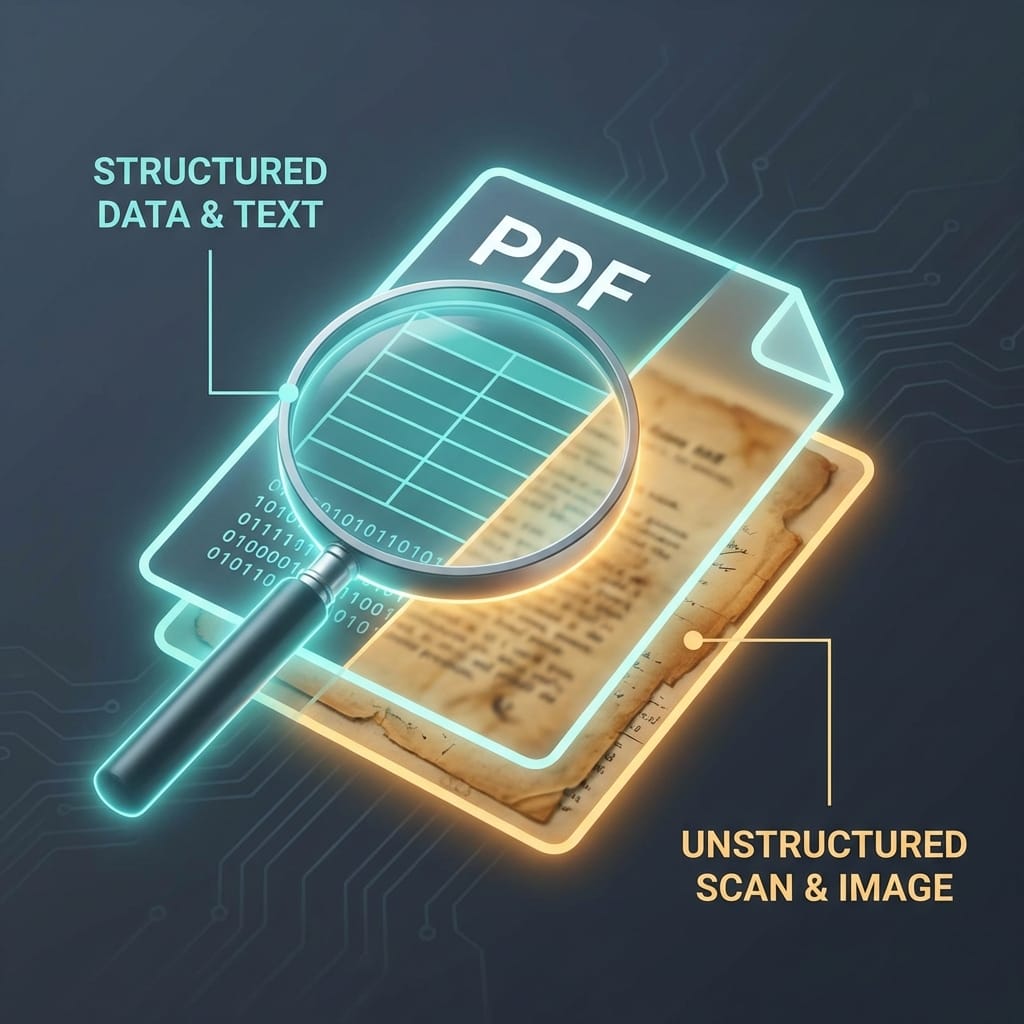
Input: A PDF invoice (unstructured). Output: JSON with sections identified.
{
  "header": {...},
  "line_items": [...],
  "footer": {...}
}
Parsing understands layout, but doesn't extract specific values.
Data Extraction = Values
Extraction means pulling specific data points from a document.
Input: A PDF invoice. Output: Specific fields.
{
  "invoice_number": "12345",
  "total": "$500.00",
  "date": "2025-01-15"
}
Extraction finds values, often after parsing.
Why the Difference Matters
If you just need structure (e.g., "Give me all the sections"), use a parser.
If you need values (e.g., "What's the invoice total?"), use an extractor.
Most projects need both:
- Parse the document (identify sections).
- Extract specific fields (invoice number, total, etc.).
Tools for Each
Parsing:
pypdf(Python)pdfplumber
Extraction:
- Google Document AI
- AWS Textract
- Regex (for structured text)
Conclusion
- Parsing = "What is this document made of?"
- Extraction = "What are the values I care about?"
Know the difference. Use the right tool.
Tags
#Document AI#OCR#Parsing#Extraction