Building a tool often looks cleaner in the final GitHub repo than it did during development. When I set out to build the Document AI Starter, I thought it would be a straightforward API integration.
I was wrong.
While the core Google Cloud Form Parser is powerful, wrapping it into a usable, cost-effective tool required navigating some tricky terrain.
Context: This post explores the engineering hurdles behind my Document AI Starter, a tool for automated PDF extraction.
Here are the key lessons I learned, the mistakes I made, and what I would do differently if I were starting from scratch today.
1. Mistakes in Early Configuration
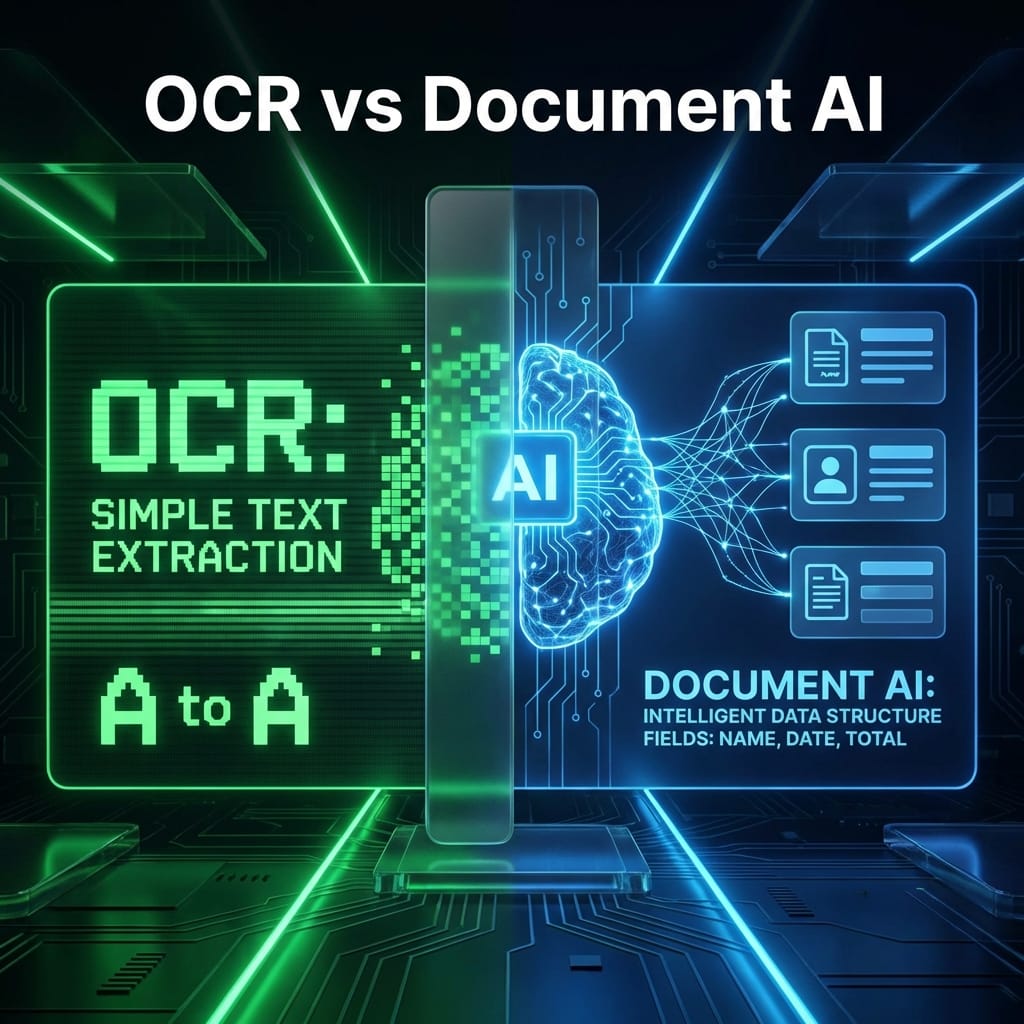
My first mistake was treating the Document AI processor like a generic OCR tool. I assumed I could just "point and shoot" at any document.
In reality, Processors are region-specific and strict.
I initially created my processor in the us (multi-region) location but tried to access it from a function configured for us-central1. This led to confusing 404 Not Found errors that had nothing to do with the code and everything to do with endpoint mismatches.
The Fix:
I learned to hardcode the location in my configuration and treat the processor_id as a sensitive, location-bound credential.
2. Misunderstanding "Cost-Per-Page"
Google’s pricing page is processor-specific. As of this review, Form Parser is listed at $30 per 1,000 pages in the lowest tier, while OCR, Layout Parser, and specialized processors use different rates. That sounds cheap—until you start testing, retrying, and storing outputs.
I didn't realize that every retry costs money.
During development, I would run the same 10-page PDF through the parser 20 times to debug a JSON parsing error in my Python script.
- 10 pages x 20 runs = 200 billable pages.
- I burned through my free tier credits in a weekend just by debugging my local string manipulation logic.
What I’d Do Differently: Save the raw JSON response from Google Cloud locally immediately. Write your parsing logic to read from that local JSON file during development. Only call the live API when you are testing the connection or a new file type.
3. Over-Trusting Confidence Scores
Trusting the AI blindly is a recipe for bad data.
I initially filtered results simply: "If it exists, save it." This resulted in the tool confidently extracting "Phone Number" as "Total: $500.00" because the layout was slightly shifted.
Form Parser returns a confidence score (0.0 to 1.0) for every entity.
I learned that setting a threshold is mandatory.
- Confidence > 0.9: Auto-approve.
- Confidence < 0.7: Flag for human review.
I eventually baked this logic directly into the Excel export, highlighting low-confidence cells in yellow.
4. Why Logging Saved the Project
When you process 50 files, one will fail. You need to know which one and why without crashing the whole batch.
In my v0.1 script, a single corrupt PDF crashed the loop, forcing me to restart the whole batch (and pay for re-processing!).
I implemented a robust logging system that tracks:
- Filename
- Status (Success/Fail)
- Error Message
- Cost Estimate
This simple CSV log became the most valuable part of the tool for users, as it provides a paper trail for costs and errors.
5. What I Simplified for v1
My original architecture was too complex. It used Google Cloud Storage buckets, Cloud Functions, and Pub/Sub triggers.
For a "Starter" tool, this was engineering overkill. Users didn't want to deploy Terraform scripts; they just wanted to parse a PDF on their laptop.
I ripped out the cloud infrastructure and rewrote it as a local Python CLI.
- Input: Local folder
- Processing: Direct API call
- Output: Local Excel file
This shift from "Cloud Native" to "Local Utility" made the tool accessible to 10x more people.
Final Thoughts
The architecture I landed on is simple, robust, and cost-effective. It separates the "expensive" AI work from the "cheap" local logic.
If you want to see the code that resulted from these lessons, check out the main build walkthrough: → How I Built a Document AI Tool Using Google Cloud Form Parser