There is a misconception that Google Cloud Document AI is only for Fortune 500 companies processing millions of bank statements.
The truth is, the technology is accessible to small teams, but accessibility is not the same as production readiness. If the documents contain PHI, PII, legal data, financial records, or client-confidential information, you need access control, retention rules, audit logs, human validation, and a clear compliance review before automating.
Last verified: May 13, 2026. Use the Document AI pricing page for current processor pricing and confirm your organization’s compliance requirements before processing regulated data.
For small teams and solo developers, the ROI can be massive when the workflow is low-risk, repetitive, and validated by a human.
Get Started: I built a starter version specifically for testing these use cases locally.
1. Invoices (Accounts Payable)
This is the classic example, but for a small agency, it's critical. Instead of manually typing data from 50 vendor PDFs into QuickBooks or Xero, run them through the pre-trained Invoice Parser. It extracts Total, Due Date, Vendor Name, and Line Items out of the box.
2. Converting FOIA Documents
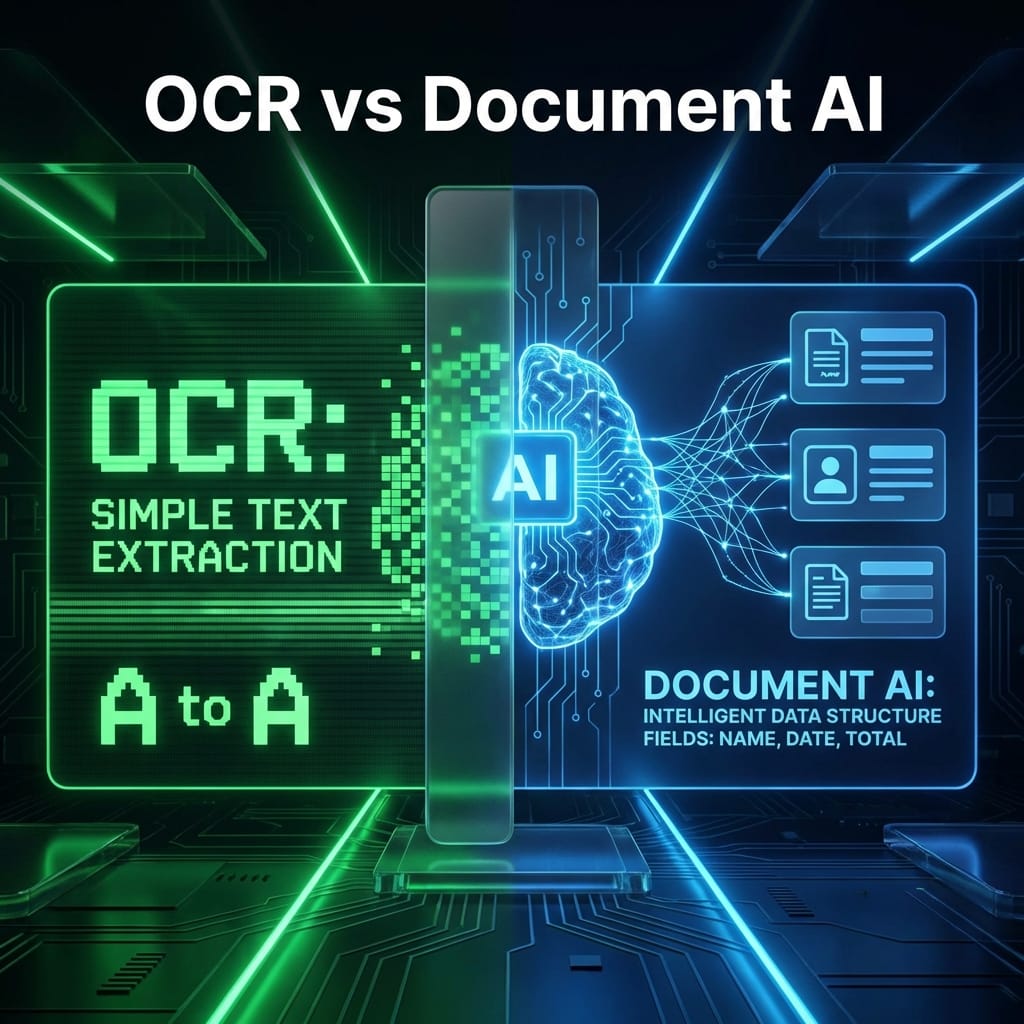
Journalists and researchers often receive massive "data dumps" from Freedom of Information Act (FOIA) requests. These are usually scanned, non-searchable PDFs. Running these through Document AI OCR makes them fully searchable and extracts structured metadata, turning a pile of paper into a database.
3. Medical Forms (Intake Automation)
Small clinics often rely on paper intake forms. Using a document parser, you can potentially extract patient intake data for review before it enters an EMR system. But this is a regulated-data workflow: confirm HIPAA obligations, vendor agreements, data residency, retention, access controls, and human review before processing PHI.
4. Legal Filings
Law firms deal with standardized court forms daily. The layout never changes, but the content does. This can be a good candidate for Document AI when the data classification is understood. You can extract case numbers, dates, and party names, but legal workflows should still preserve confidentiality and require attorney or staff review before downstream action.
5. Internal Audits
If you are auditing expenses, you might have a folder of 500 receipts. Instead of opening each one, use Document AI to extract the "Total Amount" and "Date" from every receipt into a single Excel sheet. You can then sort by date and spot anomalies in seconds.
Conclusion
You don't need a team of engineers to use AI. With a simple script and a Google Cloud account, you can automate the most boring parts of your business today.