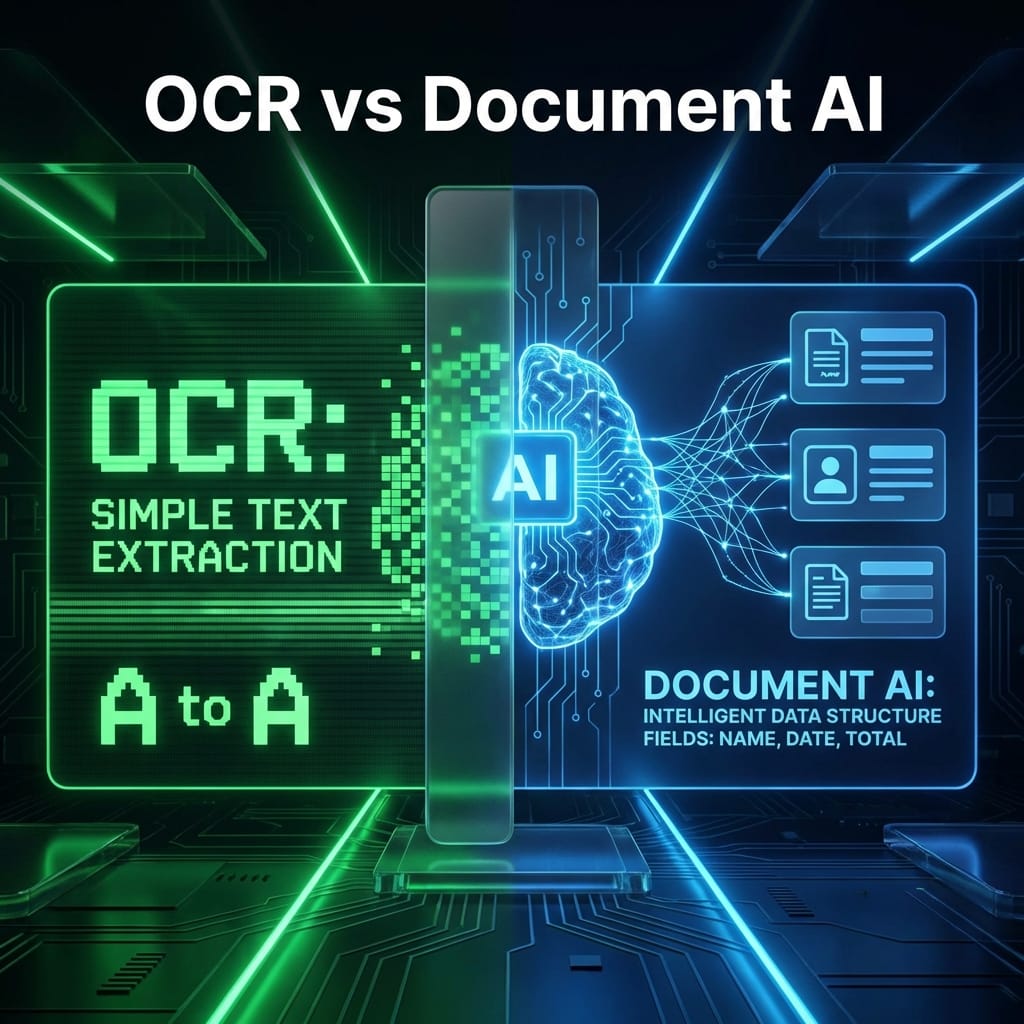
Google Document AI is fantastic at extracting data. Power Automate is fantastic at moving data.
Together, they are unstoppable.
In this guide, I’ll show you how to bridge your Google Cloud account with your Microsoft 365 workflow to create a seamless automation pipeline.
Last verified: May 14, 2026. Calling Google Document AI from Power Automate usually means using the HTTP action, a custom connector, Logic Apps, or a small custom API. Microsoft treats premium/custom connector scenarios differently from standard Microsoft 365 connector use rights, so verify licensing before promising this pattern to a client.
Prerequisite: This builds directly on my Document AI Starter post.
Where Document AI Stops
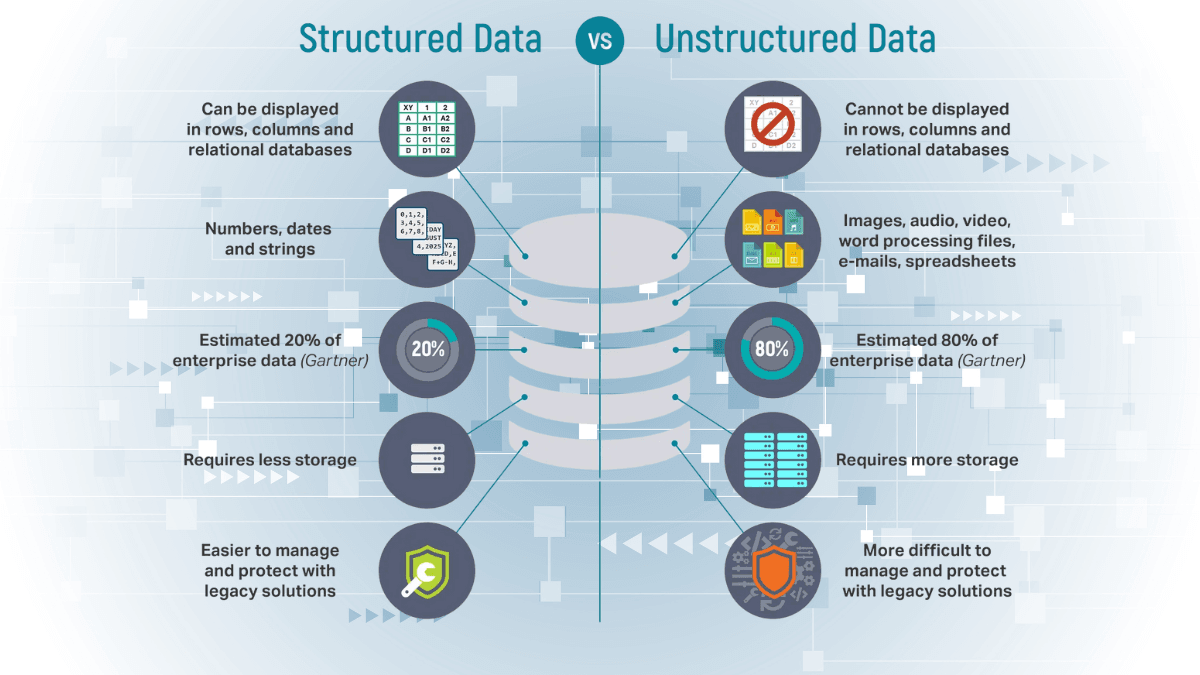
Document AI extracts JSON or unstructured data. It excels at "understanding" the document. However, it cannot trigger an email reply, update a SharePoint list, or create a calendar event. It is purely an extraction engine.
Where Power Automate Shines
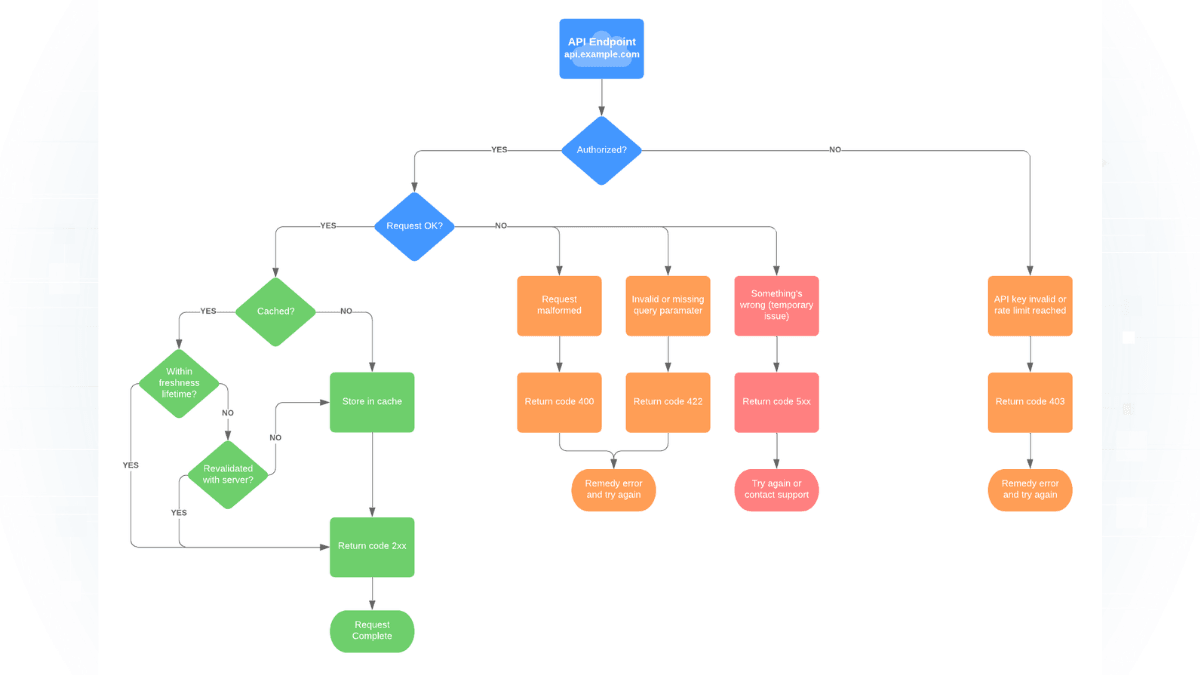
Power Automate is the glue. It listens for triggers (new email, new file in OneDrive) and performs actions. The magic happens when you use Power Automate to trigger the Document AI extraction process and then handle the response. In production, the trigger can be an HTTP action, a custom connector, an Azure Function, or Logic Apps—choose based on licensing, security, and operational ownership.
Example Flow: Email The Invoice
Here is a common real-world workflow I've built for clients:
- Trigger: An email arrives in a shared inbox with the subject "New Invoice".
- Action 1 (Power Automate): Save the PDF attachment to OneDrive.
- Action 2 (Power Automate -> Google Cloud): Send the file content to the Document AI API.
- Action 3 (Google Cloud): Returns structured JSON (Invoice Number, Total, Date).
- Action 4 (Power Automate): Add a row to an Excel table in SharePoint with the extracted data.
- Action 5 (Power Automate): Move the original email to a "Processed" folder.
Why This Combo Is Underrated
Many people think you have to choose "Google Stack" or "Microsoft Stack." Power Automate's HTTP action can call REST APIs—including Google Document AI—but it is a premium scenario in most business environments. If you are avoiding Power Automate Premium, consider Logic Apps or a small server-side bridge instead.
This means you can combine Google extraction with the familiar Power Automate interface, but only after confirming connector licensing, credential storage, retry behavior, and data-boundary requirements.
Need more Power Automate ideas? Check out my guide on Top 5 Office Tasks You Can Automate.