When I first started building automation tools, I had a massive ego.
I thought that if I was delivering data in an Excel sheet, I was "just a script kiddie." I wanted to build complex React dashboards with real-time charts, user authentication, and Postgres databases. I wanted my tools to look like SaaS products.
Then I delivered a "perfect" custom dashboard to a client... and watched them immediately copy-paste the data into Excel so they could "actually work with it."
That was a huge wake-up call. I realized that Excel isn't the problem; it’s the solution.
The "Data Journey" (Interactive Flow)
Here is how data actually moves through a professional automation pipeline. Notice where the "Shiny Dashboard" sits compared to the "Utility" of Excel.
1. The "Human-in-the-Loop" Factor
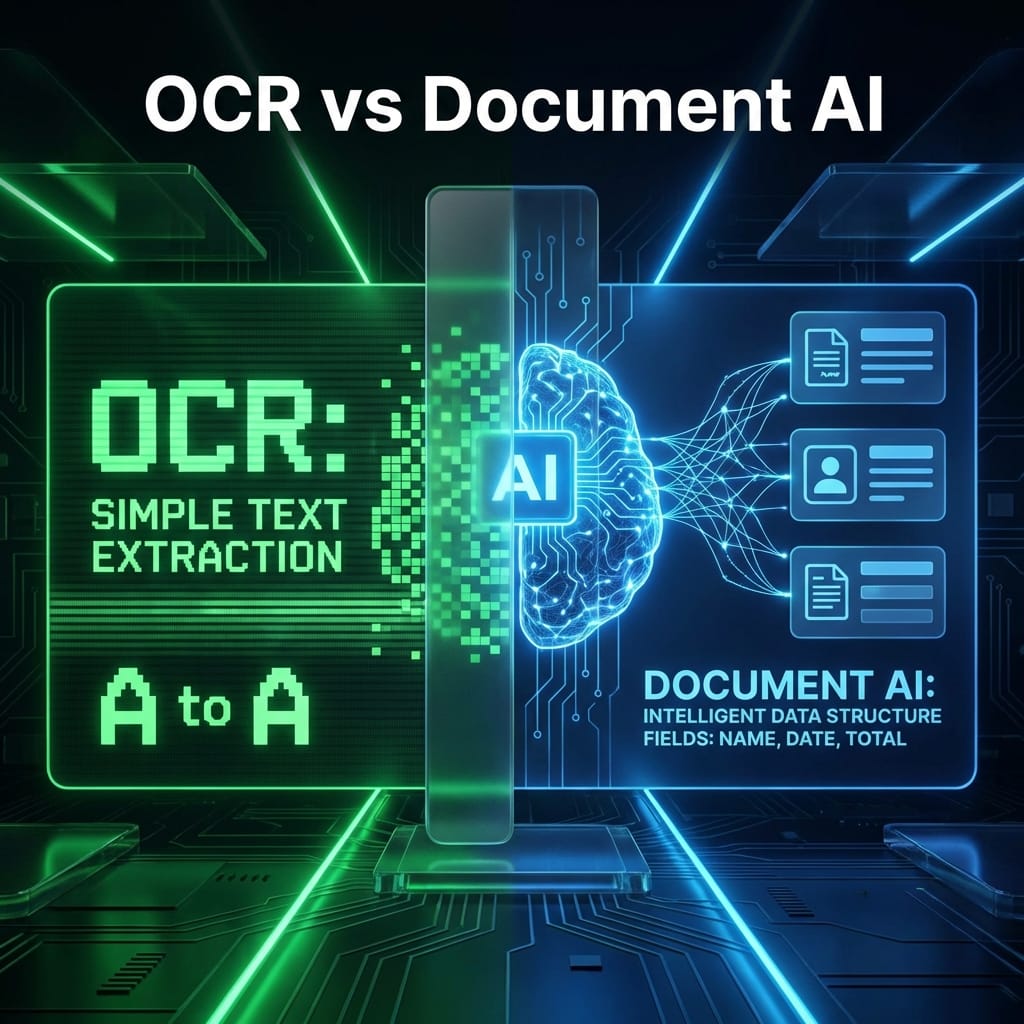
AI extraction is never 100% perfect. A "Monster PDF" might have a smudge that turns a 9 into an 8.
In a custom dashboard, correcting that data is a nightmare to build. You have to build edit modes, save buttons, and audit logs.
In Excel, the stakeholder can just click the cell, change the number, and hit Ctrl+S.
Excel is the ultimate "low-code" interface for humans to verify AI. By delivering to Excel, I’m giving the user the power to be the final judge of the data without needing me to build a complex UI.
2. The "Copy-Paste" Economy
Business runs on copy-paste.
- The accountant needs to paste numbers into Xero.
- The CFO needs to paste a table into a PowerPoint deck.
- The manager needs to filter by "Region" and email a subset to their team.
Excel is the universal language for this. When I deliver data in a spreadsheet, I’m not giving them a "file"; I’m giving them Lego bricks they can use to build whatever they need next.
3. Trust is Transparent
I once had a stakeholder tell me, "I don't trust your database. I can't see what's in there."
They were right. A database is a black box. But an Excel file is a snapshot in time.
If the automation fails or makes a mistake, the evidence is right there in Row 42. It’s auditable, it’s local, and it doesn't require a VPN or a login to "see the truth."
Builder Pro-Tip: The "CSV Secret"
If you’re a developer who still feels "dirty" using Excel, start with CSVs (Comma Separated Values).
CSVs are just plain text. They are insanely easy to generate with Python (import csv), and every spreadsheet tool on earth opens them perfectly.
You get the professionalism of a clean data delivery without the overhead of complex Excel formatting libraries. Once you’re comfortable, move up to pandas.to_excel() for the "pro" touches (like bold headers and frozen panes).
Bottom Line: Accessibility Beats Sophistication
My goal as an automation partner isn't to show off how many libraries I can use. It’s to solve a problem with the least amount of friction possible.
Sometimes the most "sophisticated" thing you can do for a client is to give them a boring, reliable, perfectly-formatted Excel file that just works.
Embrace the spreadsheet. It's the Final Boss of business for a reason.